How to Transcribe Instagram Reels Automatically (Without Pausing Every 2 Seconds)
Manually transcribing Reels means pausing every 2 seconds and squinting at on-screen text. Here's how to transcribe Instagram Reels automatically, including the audio and the captions, into searchable text you can actually use.
You save a Reel because the creator just listed five hidden bakeries in Lisbon, or named the exact tonkotsu place in Osaka, or rattled off a 6-ingredient marinade you're definitely going to make this weekend. Two days later you go back, and either the Reel is buried under 200 other saves or you find it but can't remember the name of the place, and you end up rewinding the 47-second video eight times trying to make out the on-screen text.
Manually transcribing a Reel is brutal. You're pausing every 2 seconds, screenshotting the captions, fast-forwarding through music breaks, and at the end you have a Notes app full of half-typed phrases that don't make sense. Most people give up after a couple of attempts.
This post walks through how to transcribe Instagram Reels automatically, what "automatic" actually means (it's two different things), and how to turn the result into something you'll actually use.
What you actually want to transcribe
Reels have two kinds of text in them, and you need both:
- Spoken audio. The creator narrating the recipe, listing the cafés, telling you the deal.
- On-screen text. The captions, ingredient lists, prices, addresses, and overlay graphics that flash up for a second or two.
A real transcription captures both. Audio-only transcription misses every overlay. OCR-only transcription misses everything the creator says out loud. If your tool only does one of the two, you're losing half the information.
Why manual transcription fails
Three reasons people stop trying:
- It's slow. A 60-second Reel takes 5 to 10 minutes to manually transcribe properly. Multiply that by the dozen Reels you save in a week and you've burned an hour.
- On-screen text disappears too fast. Creators flash ingredient lists or addresses for half a second. You can't pause fast enough, you can't read the frame clearly, and screenshots leave you with 14 photos to sort through.
- You lose the source. Even if you write everything down, if you don't keep the original Reel link, you can't go back to verify a step or rewatch a technique.
The fix is to skip the manual work entirely and let a tool pull the audio and the on-screen text out for you.
Three ways to transcribe Reels automatically
1. Instagram's built-in captions
Instagram auto-generates captions on most Reels. They're fine for accessibility but useless for saving information: you can't copy the text out, they don't include on-screen graphics or overlays, and they reset every time the Reel reloads.
Verdict: helpful while you watch, useless for saving.
2. A generic transcription tool
You can download the Reel, upload it to a transcription service (Otter, Descript, Whisper-based tools), and get a text file back. This works, but:
- You have to download every Reel manually.
- Most of these tools only transcribe audio, so you still lose the on-screen text.
- The output is a wall of unedited text. No structure, no extracted ingredients, no addresses pulled out as their own thing.
Verdict: better than manual, but still slow, and you're left with raw text to sort through.
3. A tool that runs end-to-end from a DM
The fastest path is to forward the Reel as a DM and have a tool transcribe both the audio and the on-screen text, then structure the output. LilyBoard does this: you DM the Reel to @lilyboardco on Instagram, and within a few minutes you get back:
- A full transcript of what the creator said
- Every piece of on-screen text, including overlays and captions
- Structured output (recipes get ingredients and steps, travel Reels get places and addresses)
- A searchable archive you can come back to weeks later
No downloading, no uploading, no copy-pasting between three apps.
How to set this up in 60 seconds
- Open Instagram, go to any Reel you want to save.
- Tap the paper-airplane share icon.
- Search for
lilyboardcoand send the Reel. - Wait a few minutes. You'll get the structured transcript back as a DM and inside your LilyBoard dashboard.
That's the whole flow. Every future Reel takes about 5 seconds to send.
What this looks like in practice
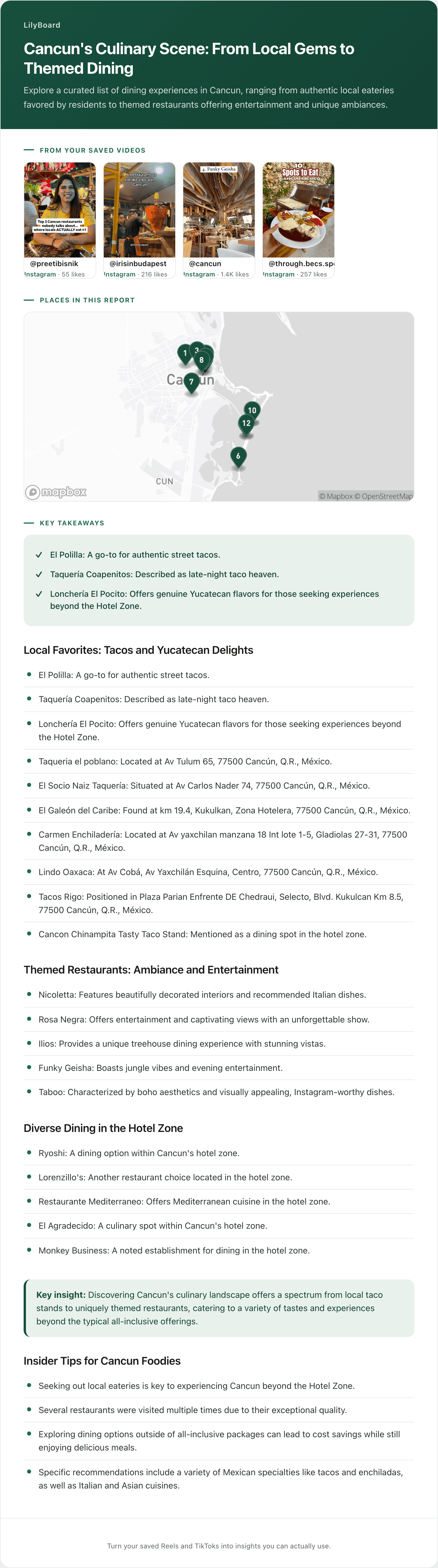
Here's a real example: a short Reel of a creator running through their favourite spots in Tokyo, with on-screen text showing each restaurant and address.
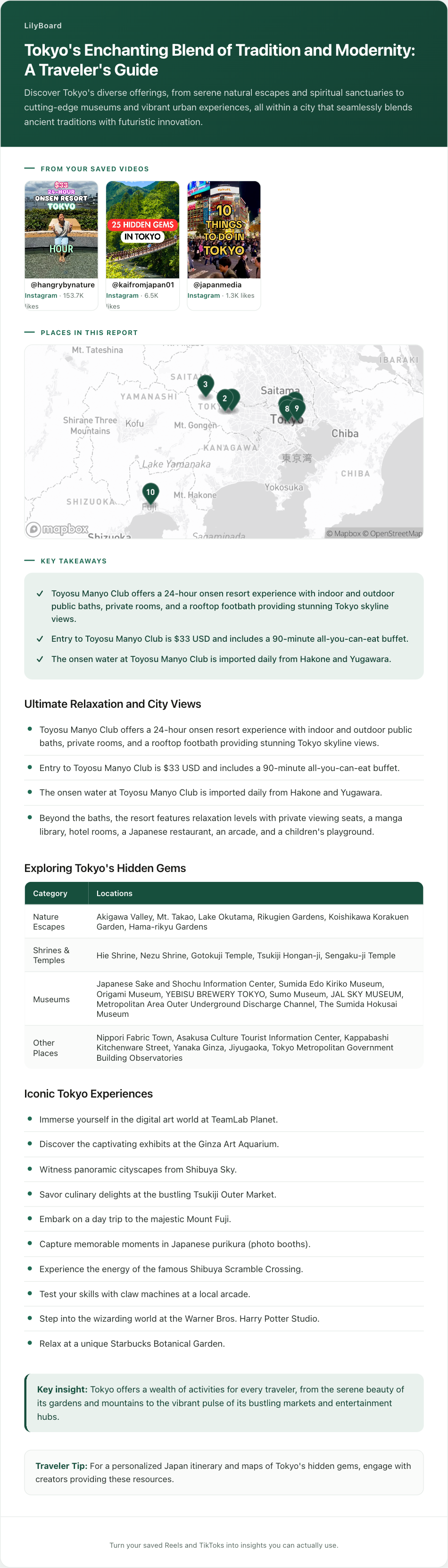
The audio gives you the creator's notes (why each place is worth going to, what to order, when to show up to skip the queue). The on-screen text gives you the names, addresses, and opening hours. Combined, you get a list of places you can drop straight into Google Maps, with the creator's tips attached, from a Reel that flashed by in under a minute.
If you tried to transcribe that manually you'd be pausing the video a dozen times to catch every address. With auto-transcription you get the whole thing as searchable text, ready to use when you actually land in Tokyo.
What to do with the transcript once you have it
A raw transcript is still a wall of text. The step that makes it useful is what happens after: lifting the named things out of it and grouping them.

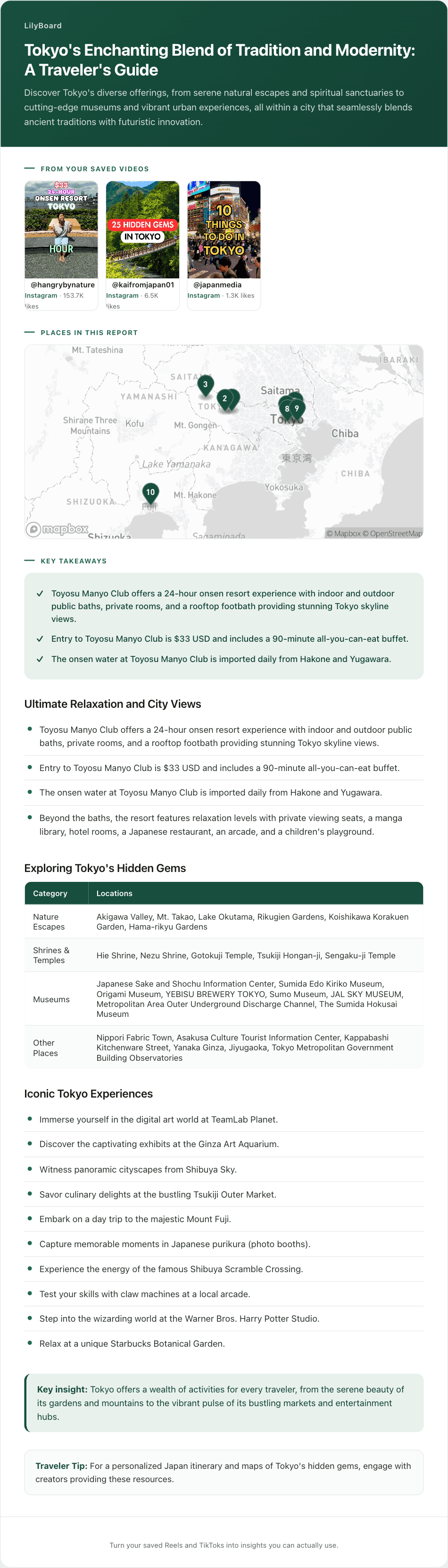
That's a batch of saved Reels, not one video. Every place name the creators said out loud or flashed on screen has been pulled out of the transcripts and sorted into categories you'd actually plan a day around. You didn't write down a single line of it, and eight months later you can search it for "museum" and get a real answer.
This is the part that makes transcription worth doing at all. If it's specifically the place names you're after, finding places mentioned in a travel Reel goes deeper on that. If you want the whole library queryable instead of one video at a time, that's a searchable archive.
What automatic transcription still gets wrong
Worth knowing the failure modes before you rely on this for something that matters.
- Proper nouns are the hard part. Restaurant names, neighbourhoods, and non-English place names are exactly what you want out of a travel Reel and exactly what speech recognition handles worst. The on-screen text usually rescues it, which is the main argument for capturing both.
- Loud music eats quiet narration. If the creator is half-whispering over a trending track, expect gaps. Nothing really fixes that, and the caption overlay is your backup.
- Numbers drift. Prices, quantities, and opening hours are worth a glance back at the video before you act on them. A misheard "15" for "50" in a recipe is the kind of thing you find out about at the wrong moment.
- Fast overlays can be missed. Text that sits on screen for a few frames, or over a busy background, is harder to read reliably than a clean caption.
The habit that covers all four: keep the original link attached to every transcript, so checking anything that looks off takes about ten seconds.
A few tips once you start
- Keep the original link. Always save the Reel URL alongside the transcript. If you forget which place was the one with the egg sandos, the original video is one tap away.
- Tag as you go. Travel, recipes, language clips, fitness tips: tag each transcript when you save it. Future-you will thank present-you when you're searching for "Tokyo ramen" eight months later. If most of what you save is one trip's worth of research, it's worth keeping those Reels together in one place rather than mixed into everything else.
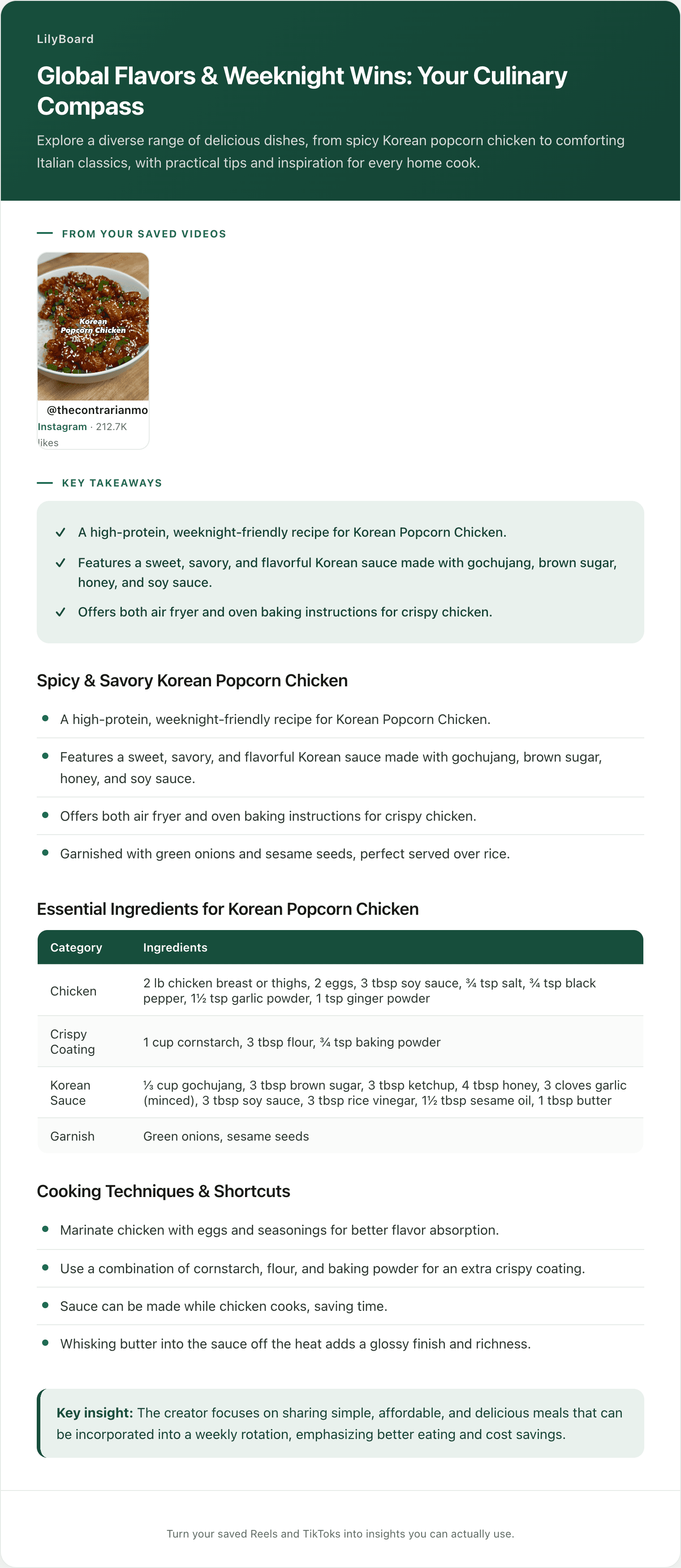
- Recipes need a bit more than a transcript. Cooking videos bury the quantities across the audio, the overlay, and sometimes the comments, so a plain transcript leaves you piecing them back together. Copying the ingredients out properly is its own small process.
- Cull weekly. Once a week, look at what you saved. Anything you haven't used or referenced in a month, delete it. The goal is a working archive, not a graveyard.
TL;DR
Reels have two kinds of text: spoken audio and on-screen captions. To actually use what's in them, you need both transcribed and structured.
Native captions are useless for saving. Generic transcription tools work but only handle audio and leave you with raw text. The fastest setup is a DM-based tool that pulls audio and on-screen text together. Try LilyBoard free (10 Reels/month, no card). DM any Reel to @lilyboardco and get a clean, searchable transcript in minutes.
Stop pausing every 2 seconds. Send the Reel and get on with your life.
Try it on your own saved videos
Free for 10 videos/month. No card required. Send any Reel or TikTok to @lilyboardco and get a summary, transcript, and category in minutes.
Start for free