How to Save Travel Reels Into One Place (Not Six Different Apps)
Your trip inspiration is scattered across Instagram saves, TikTok favourites, screenshots, and a Notes app full of links. Here's how to save travel reels into one place you can actually search before your next trip.
You're three weeks out from a trip to Lisbon and you finally sit down to plan. You open Instagram saves, where 20 Reels are waiting. Then TikTok, because half of them are over there. Then your camera roll, because you screenshotted a couple of restaurant names. Then the Notes app, where you pasted three links and the words "the viewpoint one." Then the group chat where a friend sent "we HAVE to do this." Then a browser tab you left open back in February.
Six places. Same trip. None of them talking to each other.
This is the real reason your travel research never turns into a plan. It isn't that you don't save. You save constantly. The problem is that you save in six different places, and "how to save travel reels into one place" turns out to be the question nobody answers, because Instagram and TikTok have no interest in helping you leave.
Where your saved travel reels are actually hiding right now
Before you can get your travel reels into one place, it helps to see how many places they're in right now. A typical "I'm planning a trip" pile is spread across:
- Instagram saved posts. The biggest bucket, and the worst organised: one reverse-chronological grid, no captions, no search.
- TikTok favourites. A second pile, on a different app, that the first one will never know about.
- Screenshots in your camera roll. The restaurant name you grabbed before the Reel scrolled away, now buried between 4,000 other photos.
- The Notes app. Three pasted links, a half-typed address, and "the rooftop place near the castle."
- A group chat, or a DM to yourself. The single best recommendation of the trip, sent by a friend, now 200 messages deep.
- An open browser tab. A blog post you meant to read, still sitting there since last month.
Every one of these felt like saving at the time. Together they're the opposite of saved. The content exists, you just can't assemble it.
Why one folder still isn't "one place"
The obvious fix is to pick one app and drag everything into it. Make an Instagram Collection called "Lisbon," move your saves in, done.
It helps, a little. But you haven't actually solved the problem, for two reasons.
First, it's still one platform. Your TikToks don't move into an Instagram Collection. Your screenshots don't. The link your friend sent doesn't. You've tidied one of the six piles and left the other five.
Second, and this is the bigger one: a Collection of 30 Reels is still 30 muted videos. To find "that seafood place by the water" you're still scrolling and tapping and watching, because the name is locked inside the video. A folder changes where the videos sit. It doesn't change what they are. "One place" you still can't search is just a neater graveyard.
So "one place" has to mean two things at once: one destination that accepts Reels, TikToks, and links alike, and a destination where the content becomes text you can actually search. Miss either half and you're back to scrolling.
How to save travel reels into one place you can search
The trick is to stop treating each app as a storage box and start treating one inbox as the destination. Instead of saving inside whichever app you happen to be in, you forward everything to a single spot that reads the video for you.
LilyBoard works as that inbox. You DM any travel Reel or TikTok to @lilyboardco on Instagram, and a few minutes later it lands in one dashboard as text: the places named in the video, the addresses the creator showed on screen, a transcript of why each spot is worth going, and an auto-assigned category so coffee, dinner, and day trips don't blur together.
The part that matters for the "one place" problem is that it doesn't care which app the video came from. A Reel you found on Instagram and a TikTok you found on TikTok both arrive in the same searchable archive. The two piles that will never merge on their own finally land together.
Here's the whole setup, once:
- Sign up at lilyboard.com and link your Instagram. The free tier covers 10 videos a month, no card.
- Follow @lilyboardco so your DMs go through cleanly.
- Next time you find a travel video, on either app, tap Share and send it to
@lilyboardcoinstead of tapping bookmark. For a link in your Notes app or a friend's message, paste it into the same DM.
From then on, "save" means "forward to the one inbox." Every video, from every app, ends up in the same searchable place. Once it's all in there, turning it into an actual day-by-day itinerary is the natural next step, which we walk through in turning travel TikToks into a trip plan.
What this looks like in practice
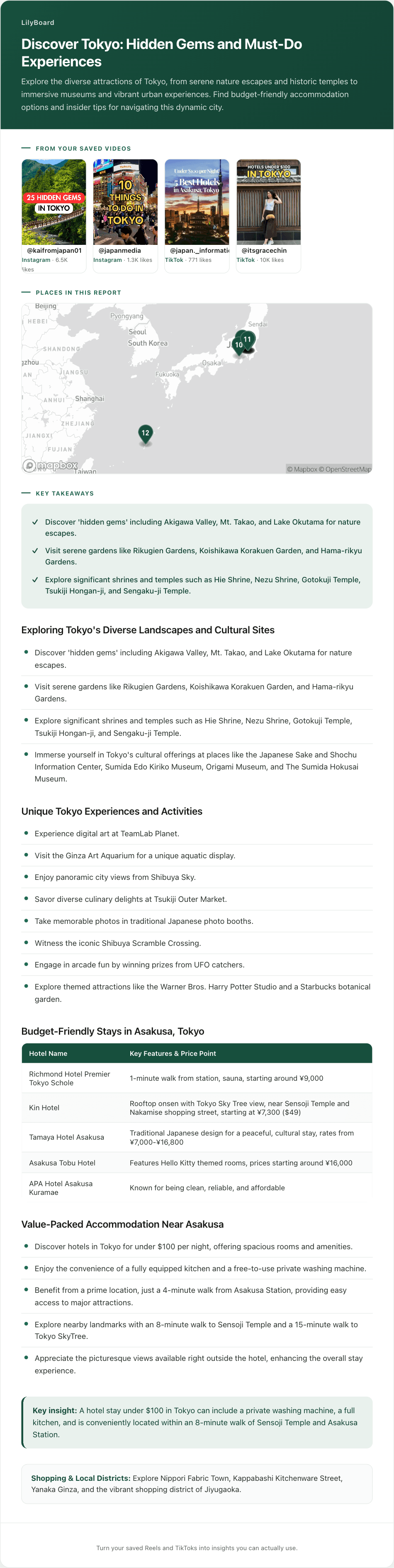
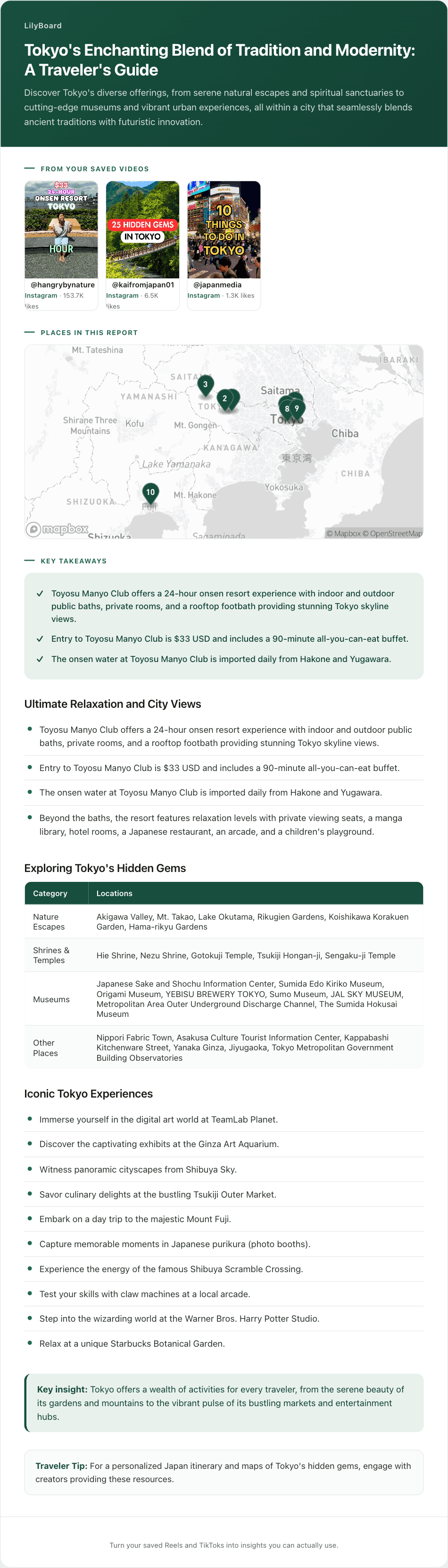
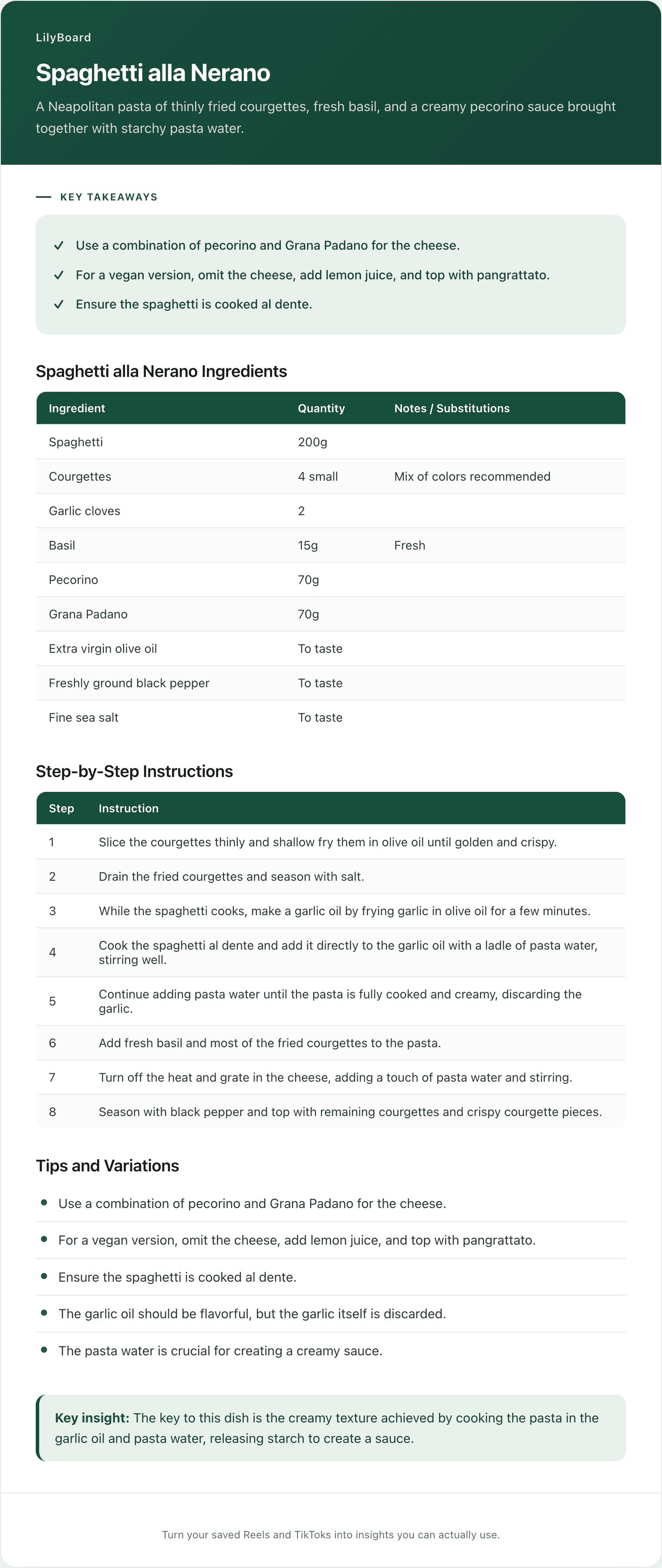
Here's a single travel video pulled into text: a creator running through their favourite spots, the audio narrating each one, the on-screen names and addresses captured.
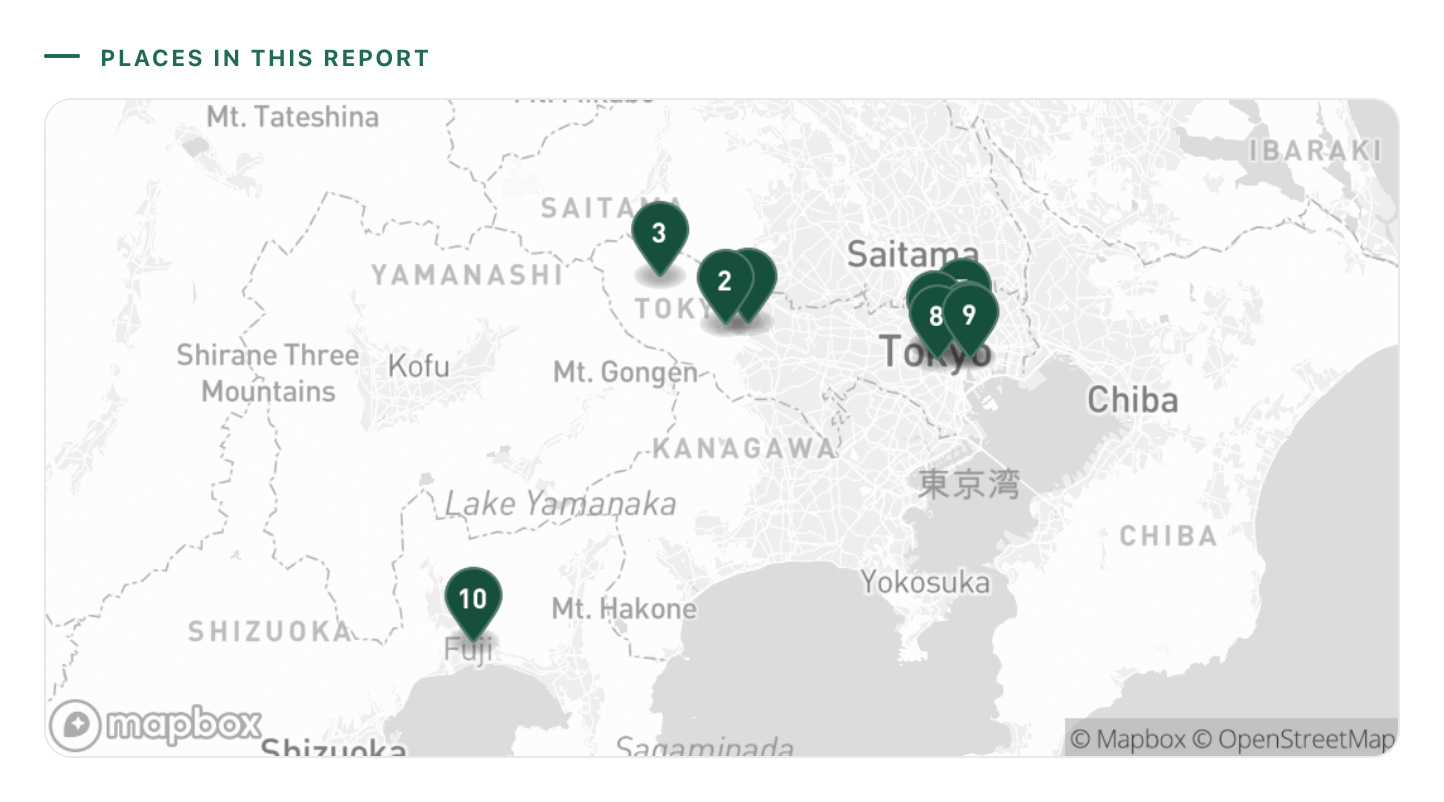
The original clip was under a minute and lived on whichever app you happened to find it. Pulled into one place, you get the list of places, the dish to order at each, and addresses you can paste straight into Maps, all on one screen and searchable next to every other video you've forwarded. That's the difference between "I saved some Lisbon content somewhere" and "my whole trip is in one place I can open and search."
A few habits that keep it to one place
- Forward the moment you find it. The instant a travel video catches your eye, share it to the inbox instead of bookmarking it where you stand. Saving in place is how the six piles started.
- Funnel the strays in too. The screenshot, the friend's DM, the open tab: paste those links into the same inbox so the off-platform finds don't get left behind.
- Name the bucket by trip, not by vibe. "Lisbon, March" beats "travel inspo." When the archive is sorted by trip, the week before you fly is a filter, not a scavenger hunt.
- Trust, but verify. Creators film places that close or move. The archive gives you the lead and the link, a 20-second Maps check confirms it's still worth the detour.
If travel is your main reason for saving videos at all, the LilyBoard travel guide goes deeper on turning saved Reels into something you can actually use on the ground.
TL;DR
The reason your travel research never becomes a trip isn't that you forget to save. It's that you save in six places at once: Instagram, TikTok, screenshots, Notes, a group chat, a stray browser tab. Tidying them into one folder isn't enough, because the folder is still single-platform and still full of muted videos you can't search.
To genuinely save travel reels into one place, you need one inbox that takes videos and links from every app and turns them into searchable text. Forward each travel Reel or TikTok to that inbox instead of bookmarking it where you found it, and the piles that never merge on their own finally come together.
Try LilyBoard free (10 videos a month, no card). DM any Reel or TikTok to @lilyboardco and watch six scattered piles become one place you can search before your next trip.
Try it on your own saved videos
Free for 10 videos/month. No card required. Send any Reel or TikTok to @lilyboardco and get a summary, transcript, and category in minutes.
Start for free