How to Organize a Travel Bucket List From Reels and TikToks
Your saved folder has two hundred travel videos and not one answer to the question "where next?" Here's how to organize a travel bucket list from Reels and TikToks: three lists, entries as text, and a shortcut that drafts the first list for you.
Someone at dinner asks where you want to go next year. You say "honestly, so many places," and you mean it, because you've been collecting places all year: the cliff pool in Positano, the night market crawl in Taipei, an onsen town a creator swore was better than Hakone. Every one of them got a save. But if the table called your bluff and asked for three actual destinations, you'd be scrolling a folder of two hundred thumbnails in the middle of dinner, finding none of them.
That folder feels like a bucket list. It's actually a junk drawer wearing a bookmark icon. Figuring out how to organize a travel bucket list from Reels and TikToks starts with seeing the difference between the two, because the fix follows straight from it.
A saved folder is not a bucket list
A bucket list has one job: when you finally have days off and some budget, it hands you options you can compare. To do that job it needs three properties, and the saved folder has none of them.
A list is sorted by destination. The folder is sorted by save date. Your six Kyoto videos are scattered across eight months of scrolling, separated by recipes and a couch you almost bought. Nothing in the folder ever accumulates. You can't see that half your saves this year quietly point at Japan, which is exactly the kind of thing a bucket list exists to show you.
A list's entries are places. The folder's entries are videos. "The ryokan with the private bath, somewhere near Takayama, maybe" is not an entry you can act on, and it's the only form a bookmark stores. To get the actual name you have to rewatch, pause on the right frame, and dig through comments, and that's per video.
A list scans in a minute. The folder takes an evening. Forty places in text fit on one screen. Two hundred thumbnails that all look like drone shots of blue water do not, and that's why the folder only ever gets opened to add to, never to choose from.
None of this means you saved wrong. Saving is the easy, correct instinct. The folder is just a holding pen, and the mistake is expecting the pen to behave like a plan.
The three lists that turn saves into a plan
You don't need an app for this part, a notes page works fine. What you need is for every place to live in exactly one of three lists, because "when?" is the question a bucket list actually answers.
Someday. The open-ended pile: places with no dates, no budget math, no commitments. Most of your saves land here, and that's fine. The only rule is that entries are written as places, not vibes. "Sailing the Lofoten Islands in summer" belongs. "That Norway video" does not.
Next year. The shortlist you'd defend at dinner: three to five places you could realistically reach in the next twelve months. Promote something out of Someday only when you can say what season and roughly what it costs. This list is small on purpose. If everything is on it, nothing is.
Named trip. The moment a destination gets dates, it graduates. Now every new save about that place stops being a daydream and starts being research, and the list for it starts turning into a day-by-day shape. That's a different job with its own tricks, and turning travel TikToks into a trip plan covers it.
An entry, in every list, is text: the place name, where it is, and one line on why you cared. That last line is the difference between a bucket list and an inventory. "Gotokuji, the temple with the thousands of waving cats" survives six months in a way a bare name never does.
How to organize a travel bucket list from Reels and TikToks without rewatching everything
The system above lives or dies on one step: getting places out of videos and into text. Done by hand, that's the expensive part. A good travel video names five or six places in forty seconds, half of them spoken and never written down, and we've covered the full extraction routine before: pause, screenshot, Lens, comments. It works, and it costs enough minutes per video that a two-hundred-save folder will simply never get done.
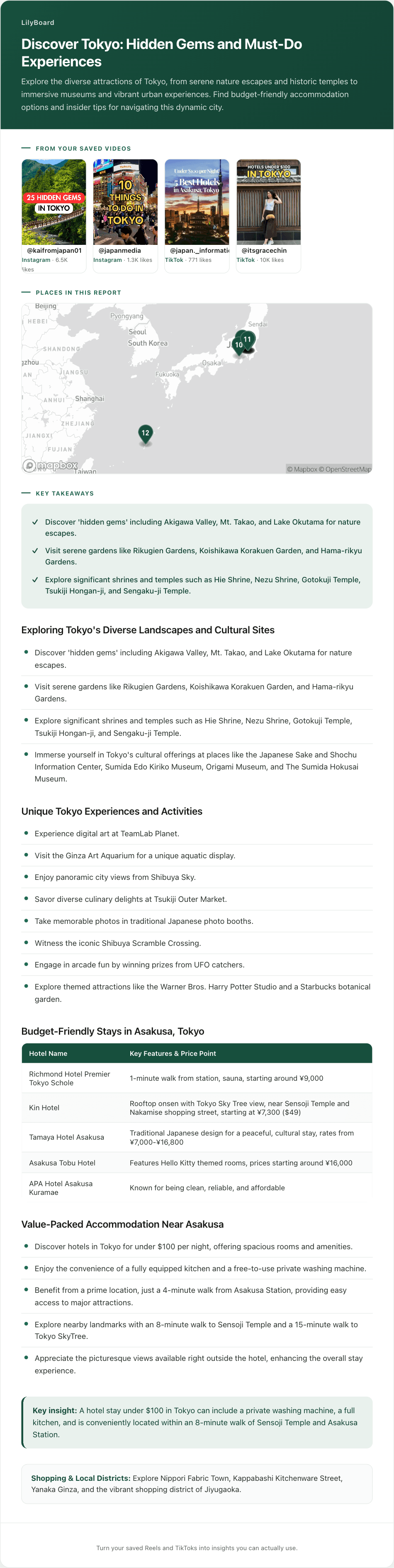
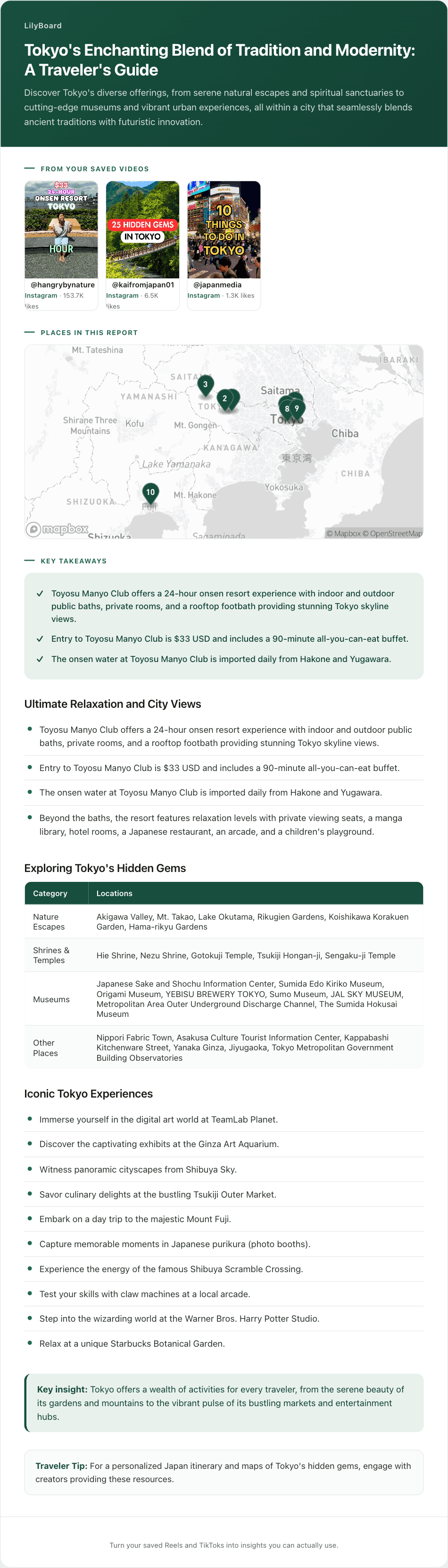
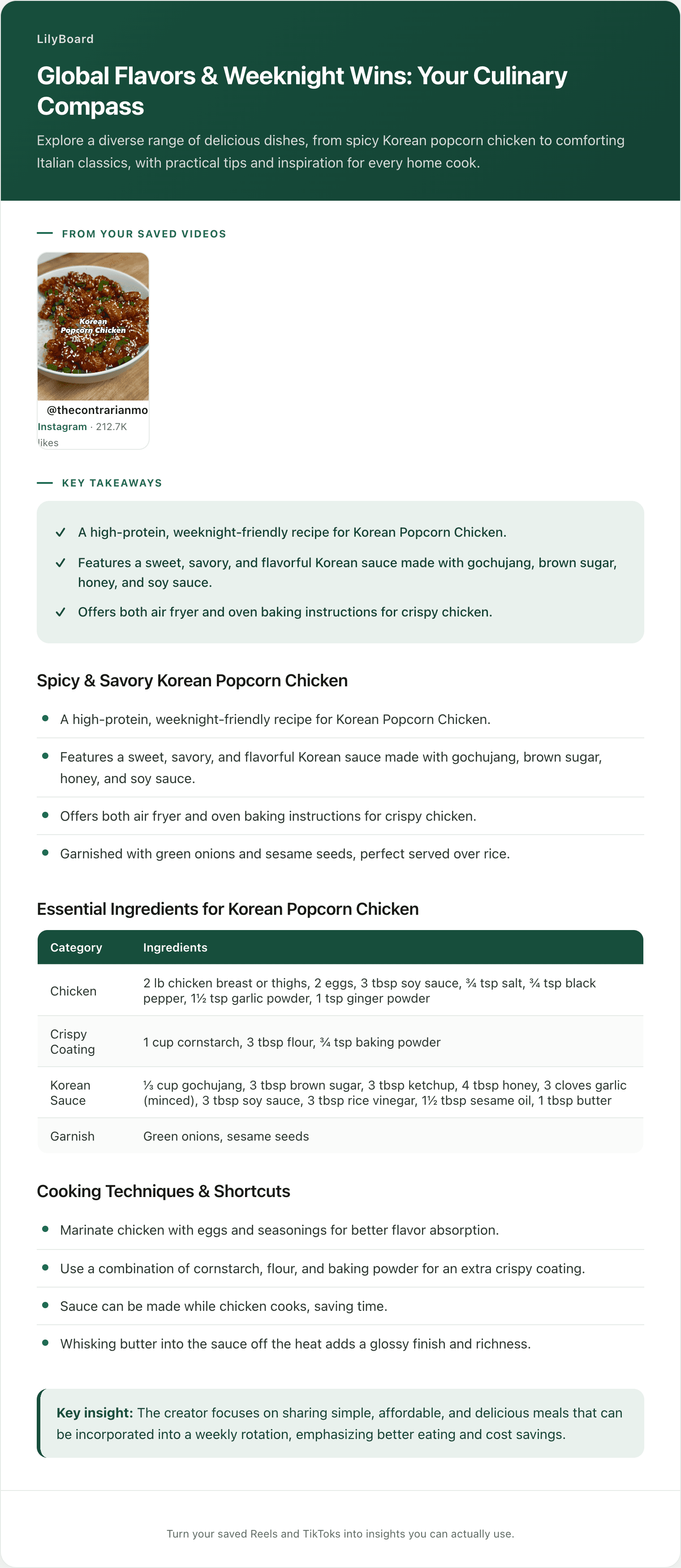
This is the part LilyBoard does for you. Instead of bookmarking the next travel video, share it in a DM to @lilyboardco, from Instagram or TikTok. A few minutes later it's in your dashboard, and when you send the word generate it comes back as an insight: every place the video named, spoken or on screen, as text with the reason it was worth saving. And because everything you send lands in one archive, your saves finally accumulate. Send a batch of Tokyo videos and they come back as one page, already grouped the way a bucket list wants to be:
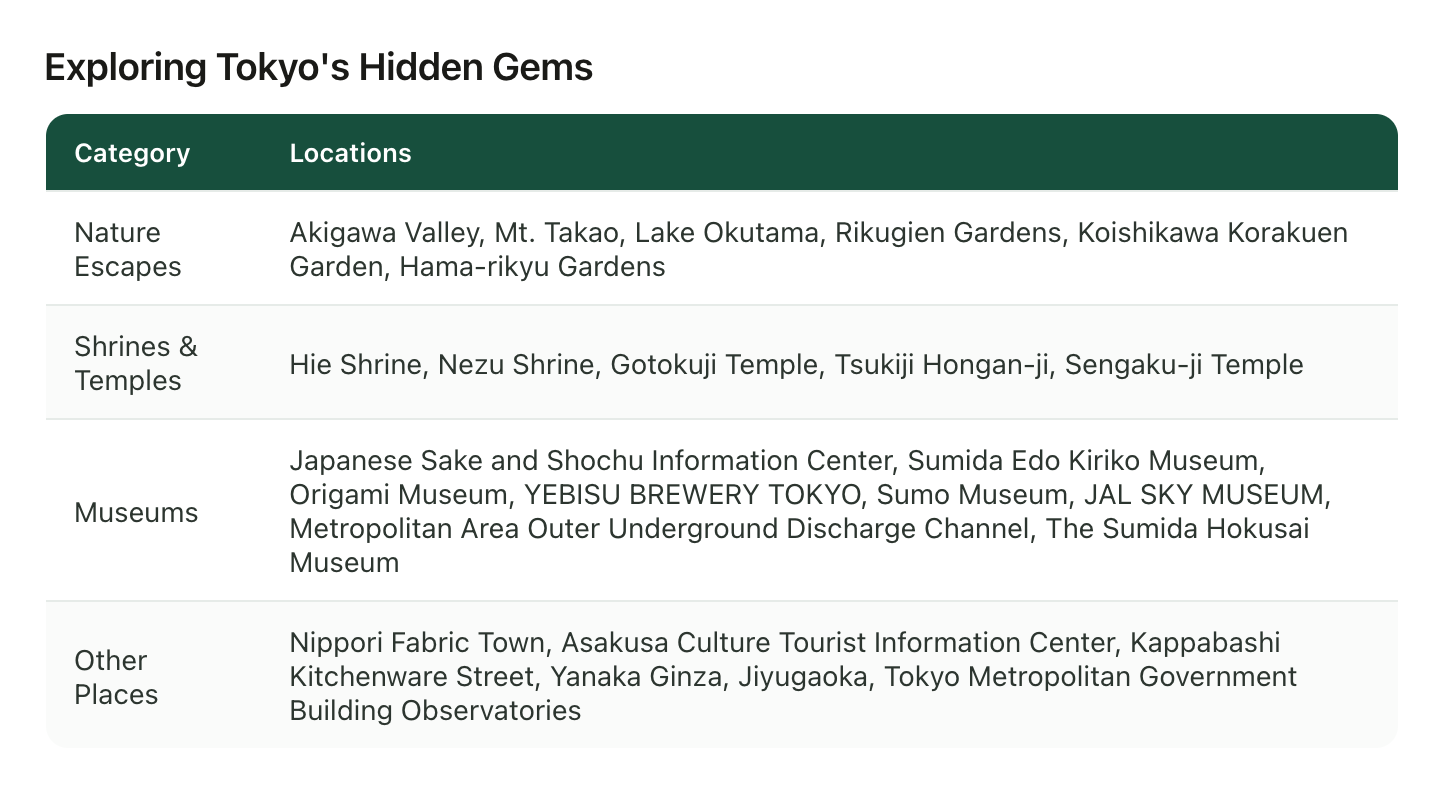
Nature escapes, shrines, museums, each one a real name you can drop straight into your Someday list, or all of them at once if Tokyo is heading for Next year. That table came out of a handful of saved videos nobody had to rewatch.
The "one line on why" comes included too. Each insight leads with the takeaways, which is exactly the context that evaporates two weeks after you save something:
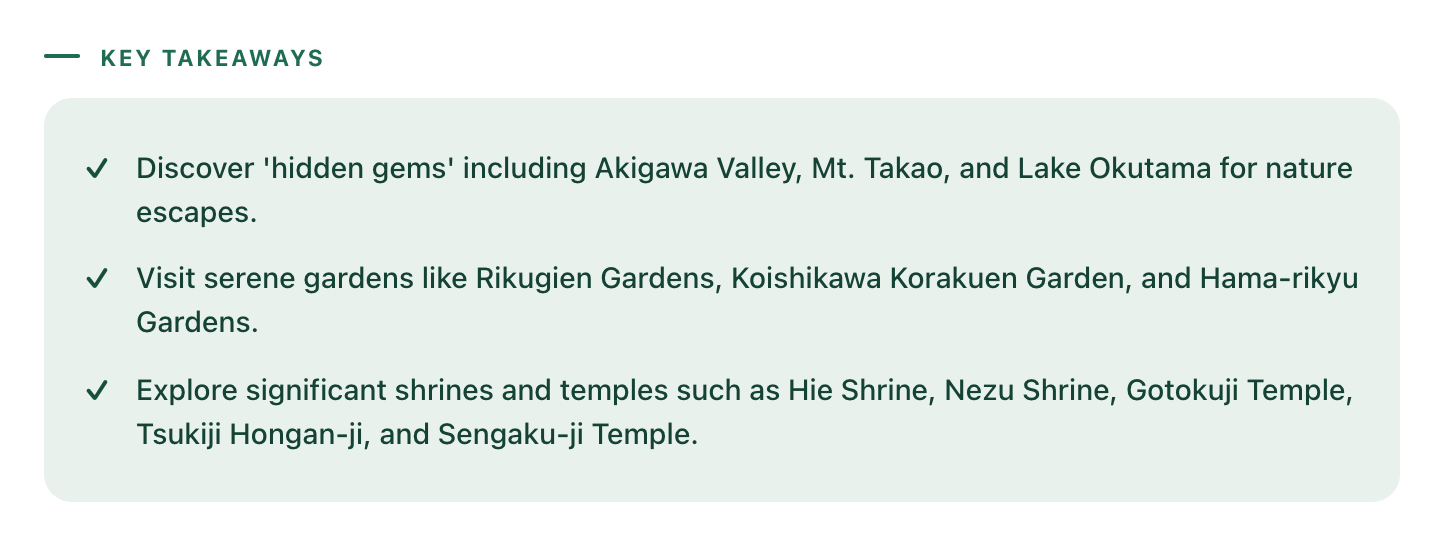
Akigawa Valley for a nature escape, Gotokuji among the temples worth a detour. Those lines are your bucket list annotations, already written.
One honest note: LilyBoard reads the videos you send it, not all of TikTok or Instagram. It won't discover destinations for you. It turns the videos you already chose into list entries, which was the part standing between your saved folder and an actual bucket list.
Start with the folder you already have
You don't need to change how you save going forward before getting value out of this, because the backlog is where the bucket list is hiding. Tonight, open your saved folder, pick the ten travel videos you'd be saddest to lose, send them over, and then send the word generate. The free tier covers 10 videos a month, no card, which makes the first draft of your Someday list exactly free. By tomorrow you'll have real place names where the thumbnails used to be, and you can sort them into the three lists over one coffee.
From there it compounds. New saves go to the DM instead of the bookmark, entries arrive as text, and twice a year you promote a few Someday places to Next year. When one of them becomes a Named trip, the same archive puts every place on a map for the planning stage, and the travel guide covers that whole arc.
Next time the dinner question comes around, you won't be scrolling a folder under the table. You'll have three destinations, the season for each, and the one-line reason, which is what having a bucket list was supposed to feel like all along.
Try it on your own saved videos
Free for 10 videos/month. No card required. Send any Reel or TikTok to @lilyboardco and get a summary, transcript, and category in minutes.
Start for free