How to Find a TikTok Recipe You Didn't Save (It's Probably Still in Your Watch History)
You watched it twice, meant to make it, and never tapped save. Here's how to find a TikTok recipe you didn't save, starting from whatever you remember, and how to keep the next one from getting away.
Day-old rice pressed flat on a sheet pan and roasted until it shatters, then broken over cucumbers and herbs with a lime dressing. You watched it twice in bed on Tuesday, decided you were making it this weekend, and kept scrolling. You didn't like it. You didn't save it. Now it's Saturday, there's leftover rice in the fridge, and your For You page has moved on to someone restoring a rusty axe. If you're trying to work out how to find a TikTok recipe you didn't save, it probably went something like that.
It's usually still findable. TikTok keeps more of a trail than it shows you, and the trick is to start from whatever you actually remember, because each scrap points to a different corner of the app.
How to find a TikTok recipe you didn't save, by what you remember
You remember roughly when you watched it
Open your watch history. TikTok keeps a list of the videos you've watched for about 180 days. On your profile, tap the three lines at the top right, then Activity center, then Watch history. On some versions, Activity center sits inside Settings and privacy instead. If the list is empty, check that watch history hasn't been switched off.
There's no search box in it. It's a grid of thumbnails, newest first, and newer versions let you jump to a date. That makes it great for "Tuesday night in bed" and miserable for "sometime in the spring," since one evening of scrolling fills screen after screen. Look for the cover, not the dish: the thumbnail is whatever cover the creator picked, which is often a face or a line of text rather than the finished plate.
You remember what it was
Search for it, then narrow the results to videos you've already seen. Type the dish the way you'd describe it to a friend, "crispy rice salad" rather than "salad." Then open Filters (next to the search bar, sometimes behind the three dots) and switch on Watched videos. Some versions show Watched as a button right above the results instead. Either way, what's left is videos you've watched that match your words.
It's not perfect. It counts videos that only played as previews in your search results, so a few strangers turn up, and it can only show what comes up for the words you typed. If the dish name gets nothing, try the main ingredient, then the method: "crispy rice," then "rice cucumber," then "sheet pan rice." And if you liked the video, the same Filters menu has a Liked videos switch, which beats scrolling through a year of likes.
You remember who made it
Go to their profile and scroll. If the handle's gone, check the list of accounts you follow, or tap the search bar and look through your recent searches, in case that's how you found them. Creators with a big enough following can sort their videos into playlists, which sit between the bio and the video grid, so a "weeknight dinners" playlist can turn three hundred videos into twenty.
While you're there, look for a repeat. A recipe that does well often comes back as a part 2, a remake by request, or a video reply to the comment asking for amounts, and the repeat is sometimes the better version.
You sent it to someone
This is the one people forget. If you sent it to a partner or a friend with "we're making this," it's still in that chat. On TikTok, that's your Inbox. If you sent it through another app, search that conversation for "tiktok," since every link copied out of TikTok has the word in its address. Same goes if someone sent it to you.
You liked it, or saved it and lost it anyway
Then search your own profile. Tap the search icon at the top right of it and type the dish: it looks through your likes and favorites, along with your own posts and reposts. If that misses, browse. Both lists run newest first, and favorites (the bookmark tab) keeps your collections at the top, so if you ever made a "Recipes" collection, start there.
You only remember the food
Then widen the net past TikTok. Google indexes TikTok videos, so search the dish plus "tiktok," or add site:tiktok.com to keep the results to TikTok, and describe it like a menu: "crispy rice salad cucumber lime." If that fails, ask. r/TipOfMyFork is a subreddit for exactly this: describe the dish, and strangers try to name it.
Why recipes are the hardest TikToks to find again
Look back at that list. Every route runs on the circumstances: when you watched it, who posted it, who you sent it to, which words a search happens to match. What you actually remember about a recipe is the content. A line the creator said ("use cold rice or it turns to mush"), one odd ingredient, the trick halfway through. You can type that into a search and hope it matches.
And finding it is only half the job. A favorite is still a video, so even when a search turns it up, you're back to rewinding for the amounts. So once you've found it, put it somewhere that keeps what was said as text you can search and read.
Make this the last recipe you have to hunt for
That's the job LilyBoard does. You share the TikTok to @lilyboardco, the same way you'd send it to a friend. It lands in your dashboard with the description and what the creator said, pulled from the captions TikTok made for it and tidied into paragraphs. The search box on your videos page looks through all of that, so months from now, "cold rice" finds the video where it was said, even if you never caught the creator's name.
Setting it up takes a couple of minutes:
- Sign up, and add the TikTok username you'll be sending from.
- Follow @lilyboardco on TikTok so you can message it.
- On the recipe, tap Share and send the video itself to @lilyboardco. A pasted link doesn't get picked up.
There's no reply in the chat. The video shows up in your dashboard, filed under a category, with a link back to the original.
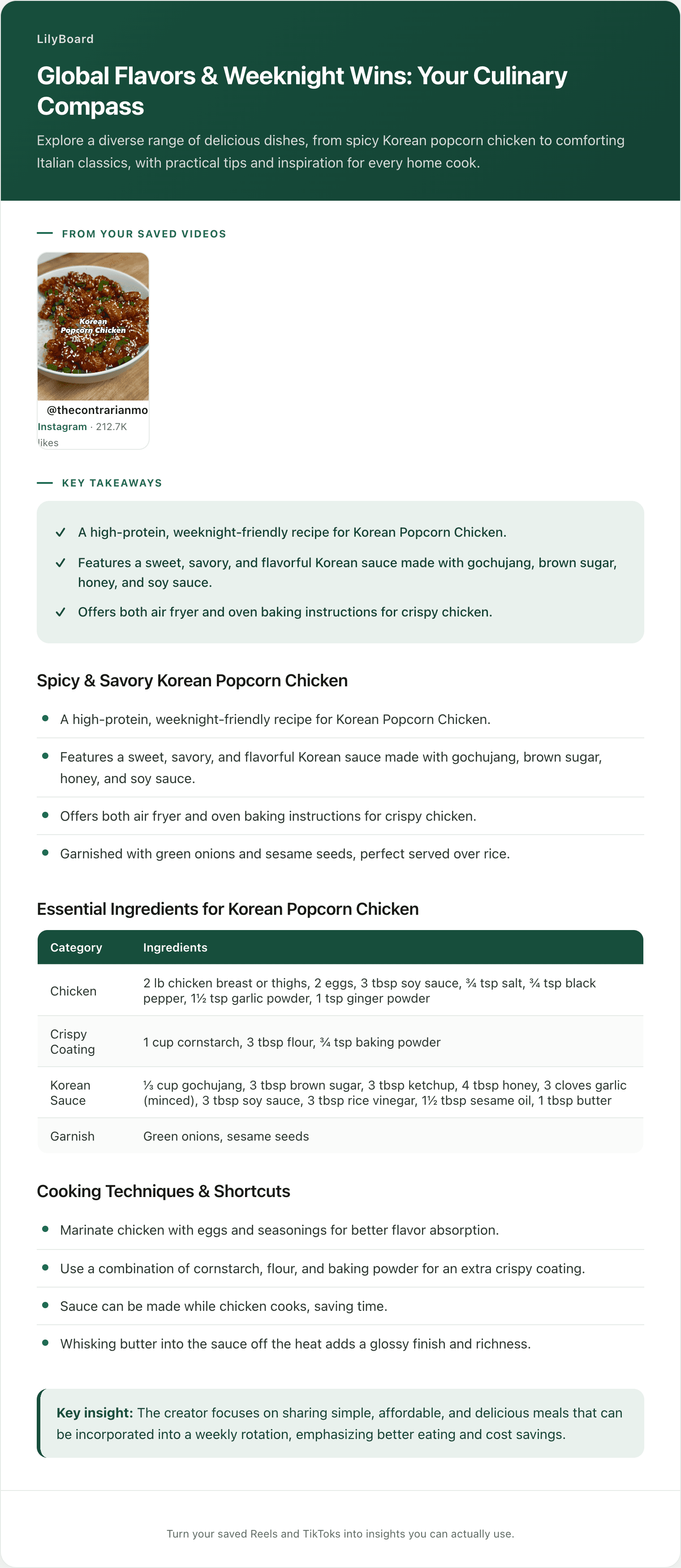
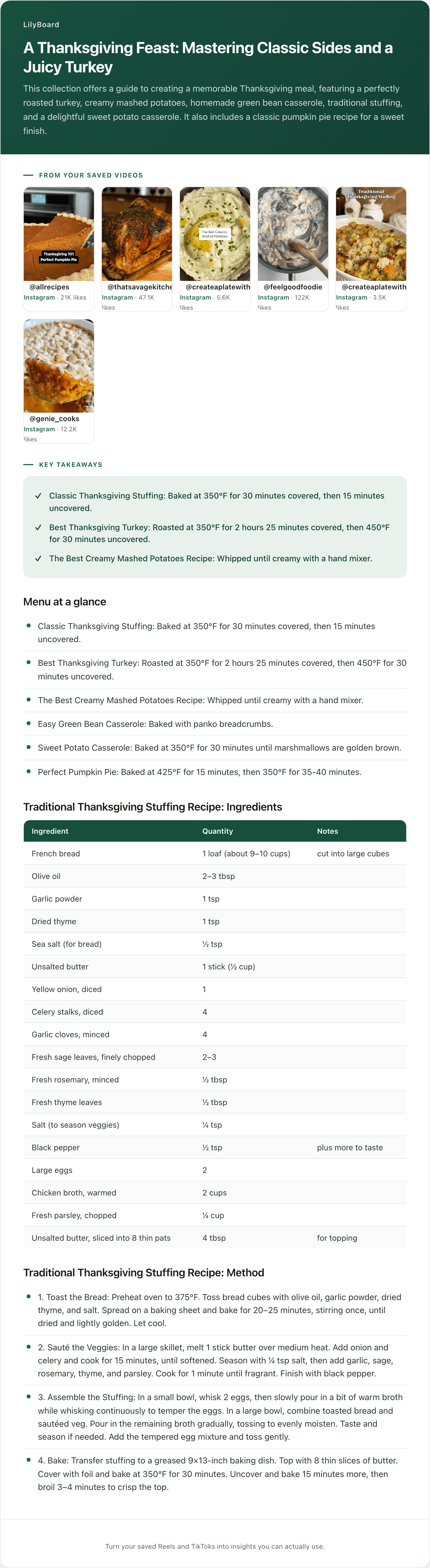
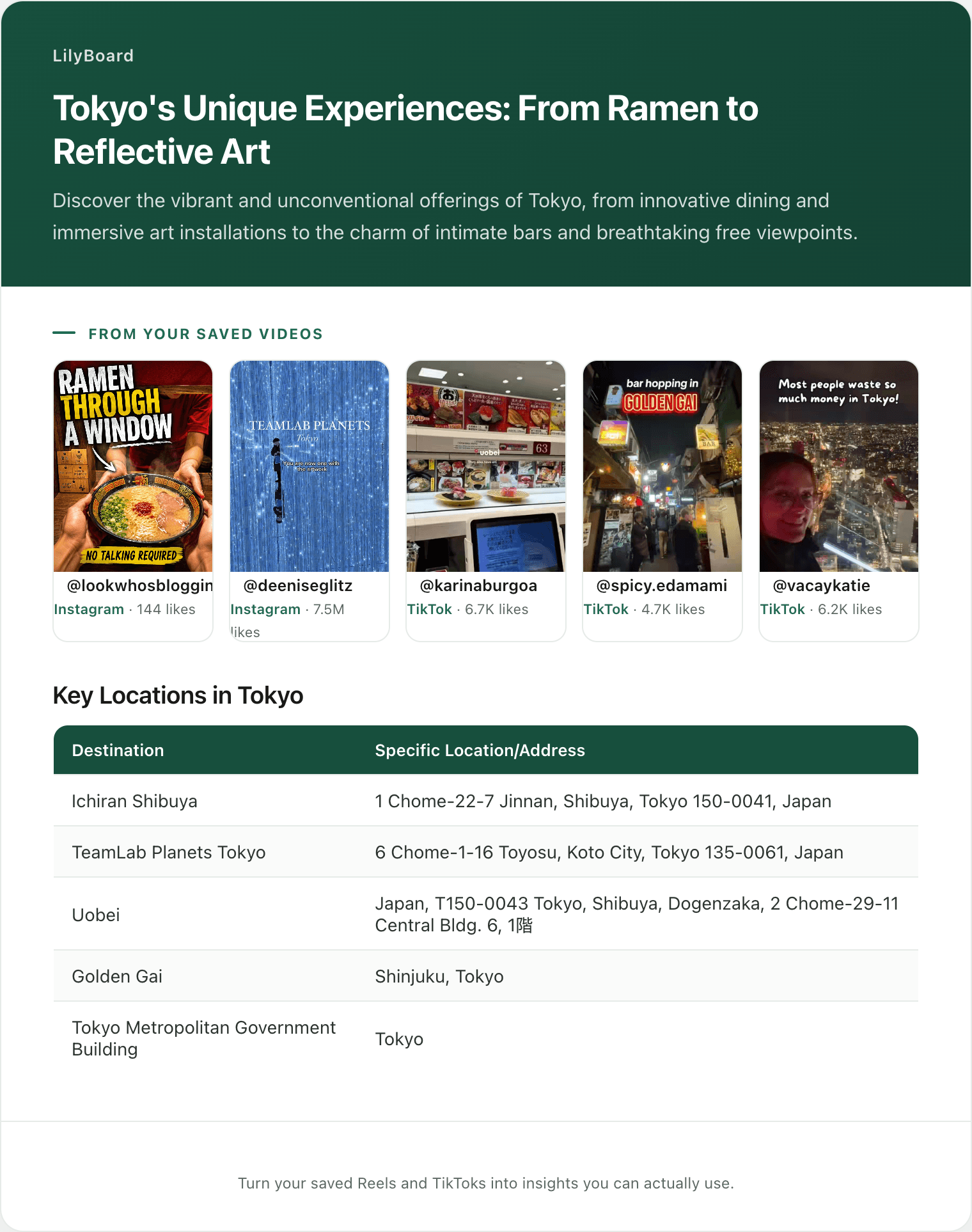
Once a few recipes are in, send the word generate, or use the button on your videos page, and they come back as one insight, by email and in the app, with the recipes written out and the original videos linked. Here's part of one of ours, built from five saved recipe Reels:
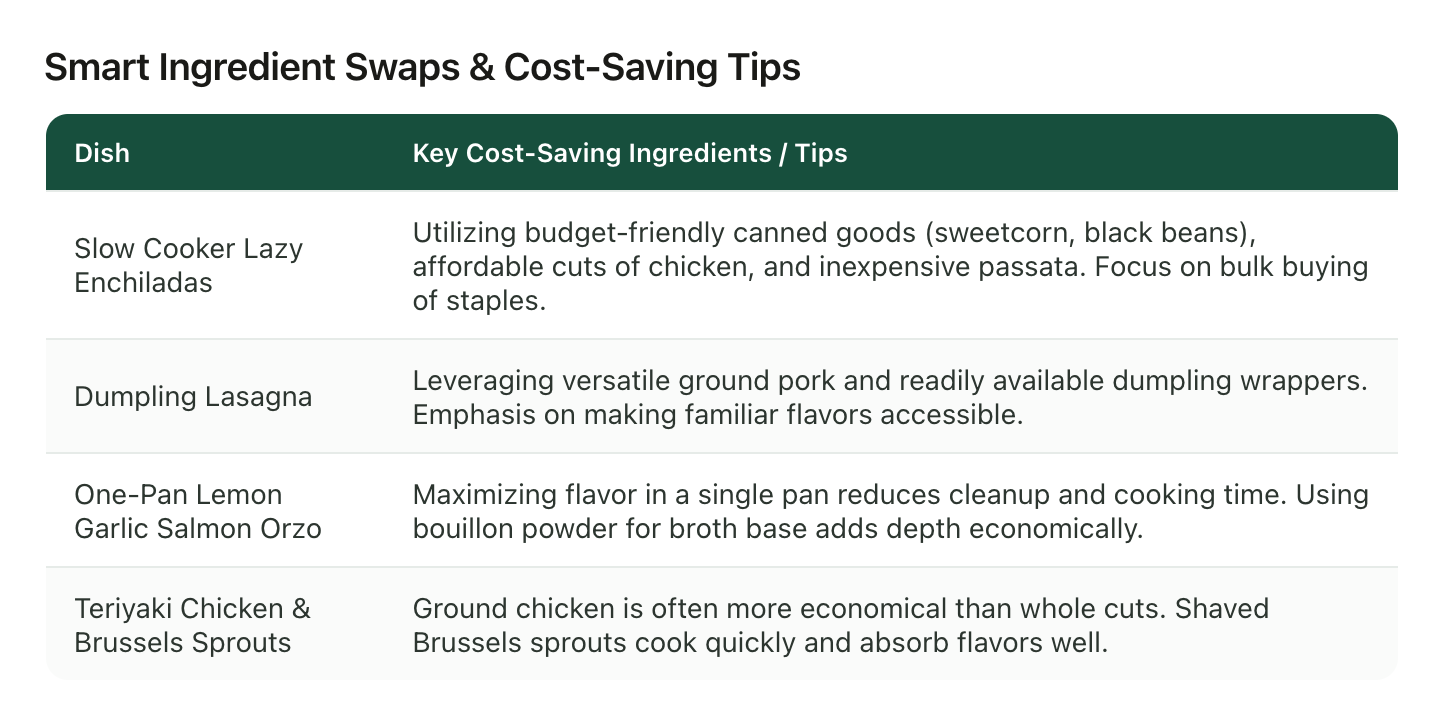
The dumpling lasagna is written down now as ground pork and dumpling wrappers, which is a lot more to go on than "the lasagna one, from that account, maybe in May."
What it can't do
It can't find the one you already lost. LilyBoard only knows the videos you send it, so the crispy rice salad is still a job for the routes above. It's for every recipe after that one.
On the free plan, it works from what was said, using TikTok's captions, plus the description. A video TikTok never captioned has nothing spoken to search, and reading text off the screen takes Standard or Pro. A word TikTok misheard stays misheard, which is one reason every insight links back to the original videos.
Start with the one you're hunting for right now
Find it with whichever route matches what you remember. Then, before you close the app, share it to @lilyboardco. While you're in there, scroll your likes for the five recipes you'd be saddest to lose, and send those too. The free tier covers 10 videos a month, no card.
For the habit that keeps the next one from going missing, here's how to save TikTok recipes for later. And the food lovers guide shows the whole setup once it's running.
Try it on your own saved videos
Free for 10 videos/month. No card required. Send any Reel or TikTok to @lilyboardco and get a summary, transcript, and category in minutes.
Start for free