How to Transcribe TikTok Videos (When the Recipe Is Only Said Out Loud)
TikTok will show you captions, but it won't give you the text. Here's how to transcribe TikTok videos, what the free options miss, and how to get a recipe that was only said out loud into words you can cook from.
The creator is talking fast. Half a cup of this, a good splash of that, the garlic goes in once the onions go soft, and whatever you do, don't skip the lemon at the end. The caption says "recipe below," and below is a row of emojis. So you rewind, pause, thumb half a line into Notes, and rewind again. If you've ever searched for how to transcribe TikTok videos, it probably started with a video like that one.
You don't want the video. You want the words, as text, so you can shop from them and cook from them without the rewinding. TikTok will show you those words. It just won't hand them over.
Here are the questions that come up along the way, answered with recipes as the example, because a recipe is where one misheard word costs you dinner.
Does TikTok have a transcript?
Not one you can use. There's no "Show transcript" button like the one on YouTube. What TikTok has is captions. Creators have been able to add auto captions since 2021, and since 2022 viewers can switch on auto-generated captions themselves, and translate them. On a video, tap Share, then Captions. If you want them on everywhere, there's a captions switch under Settings and privacy, then Accessibility.
Here's the frustrating part. Those auto captions are a transcript. TikTok has already done the work. It just shows you the result one line at a time while the video plays, and gives you no way to copy it, scroll back through it, or search it. That makes captions great for cooking along with the sound off, and no use at all for keeping anything.
Can you copy the text out of a TikTok?
The written parts, yes, with some effort. The description copies from TikTok in a web browser when the app won't let you select it, and text that flashes up on screen comes out of a screenshot with Live Text on an iPhone or Google Lens on Android. We went through each of those, plus finding a list someone pinned in the comments, in how to copy ingredients from a TikTok recipe.
The audio is the part you can't copy. And on a lot of recipe videos, the audio is the recipe: the amounts, the order things go in, the "take it off the heat first" warning, the swap they mention halfway through because they ran out of something. That's the part you need a transcript for.
Do you even need a transcript?
Check the caption first, and tap more on the description before you do anything else. Creators who tell you to comment for the recipe sometimes paste the whole thing further down the same caption anyway.
A recipe Reel we saved did exactly that. Near the top, the caption tells you to comment "Recipe" and they'll send you the full recipe. Keep reading past the fold and the full recipe is already there: every ingredient with its amount, then the steps, numbered. Pulled out as text, the ingredients look like this:
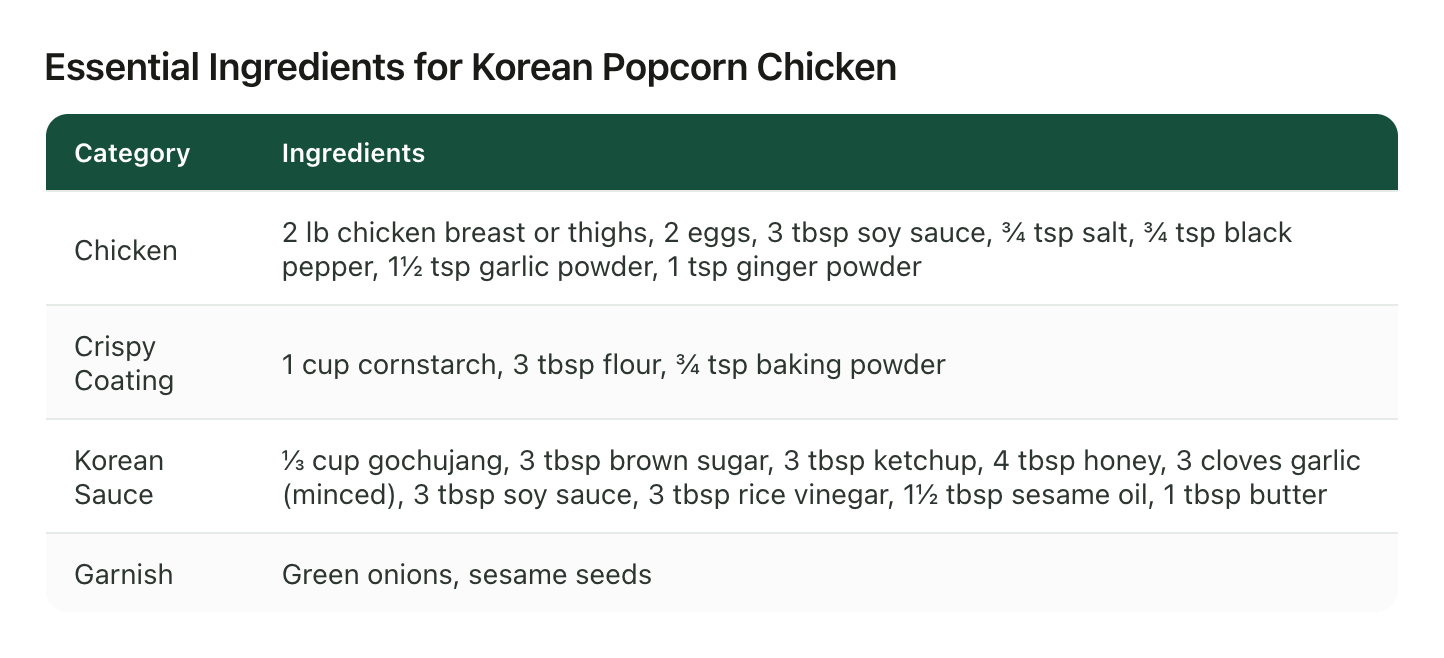
Those amounts were in the caption the whole time. That's the useful lesson: you rarely know where a creator put the numbers until you've checked. The next creator says them out loud and writes nothing down, and the one after that flashes them on screen and never says them. TikTok descriptions fold behind more the same way Instagram's do, so the habit works on both.
Is there a free way to transcribe a TikTok?
A few, and they all stop in the same place.
Paste-the-link transcript sites. Search "TikTok transcript" and you'll find plenty of free pages that take a video's link and hand back text. Fine for a one-off. Some of them work by fetching the captions TikTok already made, which is why they're quick, and why they can come back empty on a video TikTok never captioned. Quality varies from site to site, some cap how many you can run in a day, and the result lands in a browser tab you then have to save somewhere.
Download it and run it through a transcription app. Any app that transcribes a video file will do it, and on a clear recording the results are good. It's just more steps: save the video, find the file, upload it, wait, copy the text out. And TikTok's own Save video option only shows up when the creator allows downloads.
Type along at half speed. It works, for about one video.
Every one of these hands you a block of text for one video and stops there, which is fine until you think about the forty other recipes in your saved folder.
What does a transcript get wrong in a recipe?
A transcript can only be as good as what was said, and how clearly it was said.
- Amounts nobody said. "A splash of soy," "a good glug of oil," "season it how you like." A transcript will faithfully write down "a splash." It can't make the creator more precise than they were.
- Amounts that were only shown. If the quantities flash up over the food and nobody reads them out, an audio transcript skips them completely. Only something that reads the screen picks those up.
- Ingredient names. A word a speech model hasn't heard much comes back spelled the way it sounded, which matters when that word is the thing you're meant to buy. TikTok's own captions do this too, and anything built on them inherits the mistake.
- One long paragraph. Ingredients, steps, the creator's opinion of their own sauce, and a plug for their cookbook, all in a single run. The recipe is in there. You still have to dig it out.
That last one is the real cost. A transcript gets you the words, and what you wanted was the recipe: the ingredients in one place, the method in another, and the small asides that make it work pulled out where you can see them. Here are the technique notes from that same saved Reel, kept as their own list:
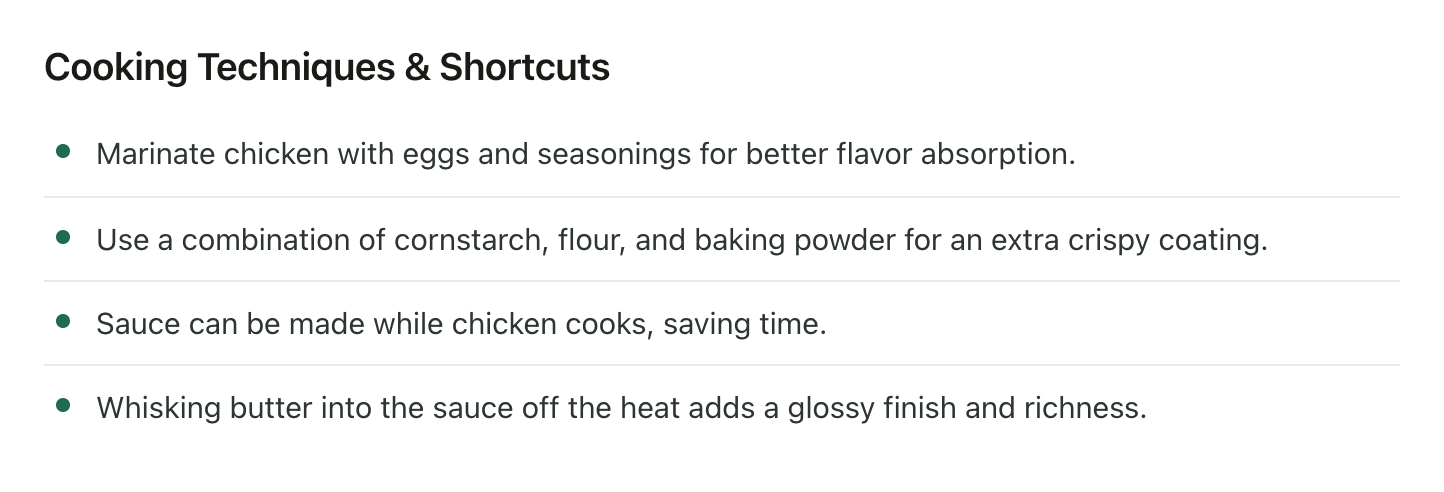
The line about whisking the butter in off the heat is exactly the sort of thing that disappears into the middle of a paragraph.
How to transcribe TikTok videos automatically
This is the part LilyBoard does, as a side effect of saving the video. The setup takes a couple of minutes:
- Sign up, and add the TikTok username you'll be sending from.
- Follow @lilyboardco on TikTok so you can message it.
- On any recipe, tap Share and send the video to @lilyboardco. Send the video itself from the share menu, since a pasted link doesn't get picked up.
LilyBoard then pulls the transcript TikTok made for that video's captions, strips out the timestamps and the [Music] markers, and saves it as readable paragraphs next to the description, on the video's own page in your dashboard, filed under a category. There's no reply in the chat, so look for it in the dashboard. From there the text is yours to select and copy.
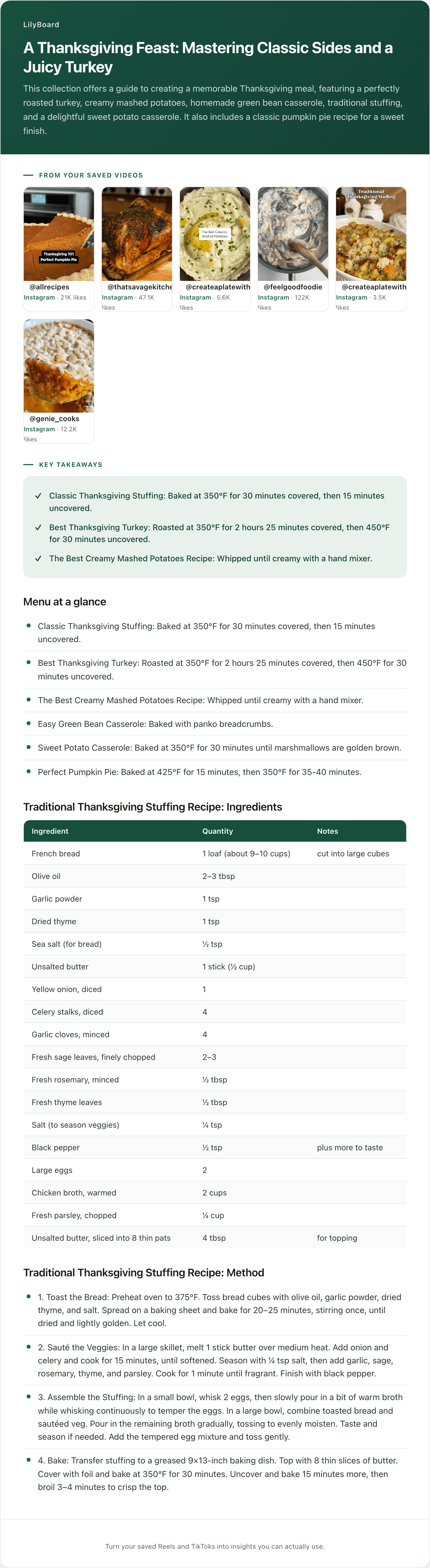
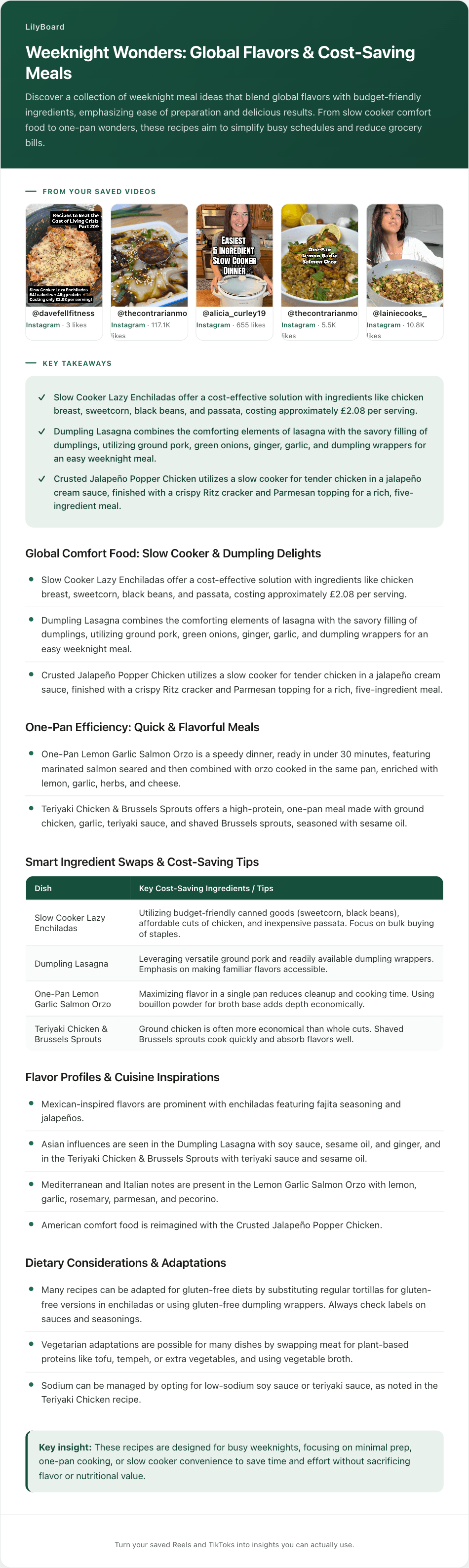
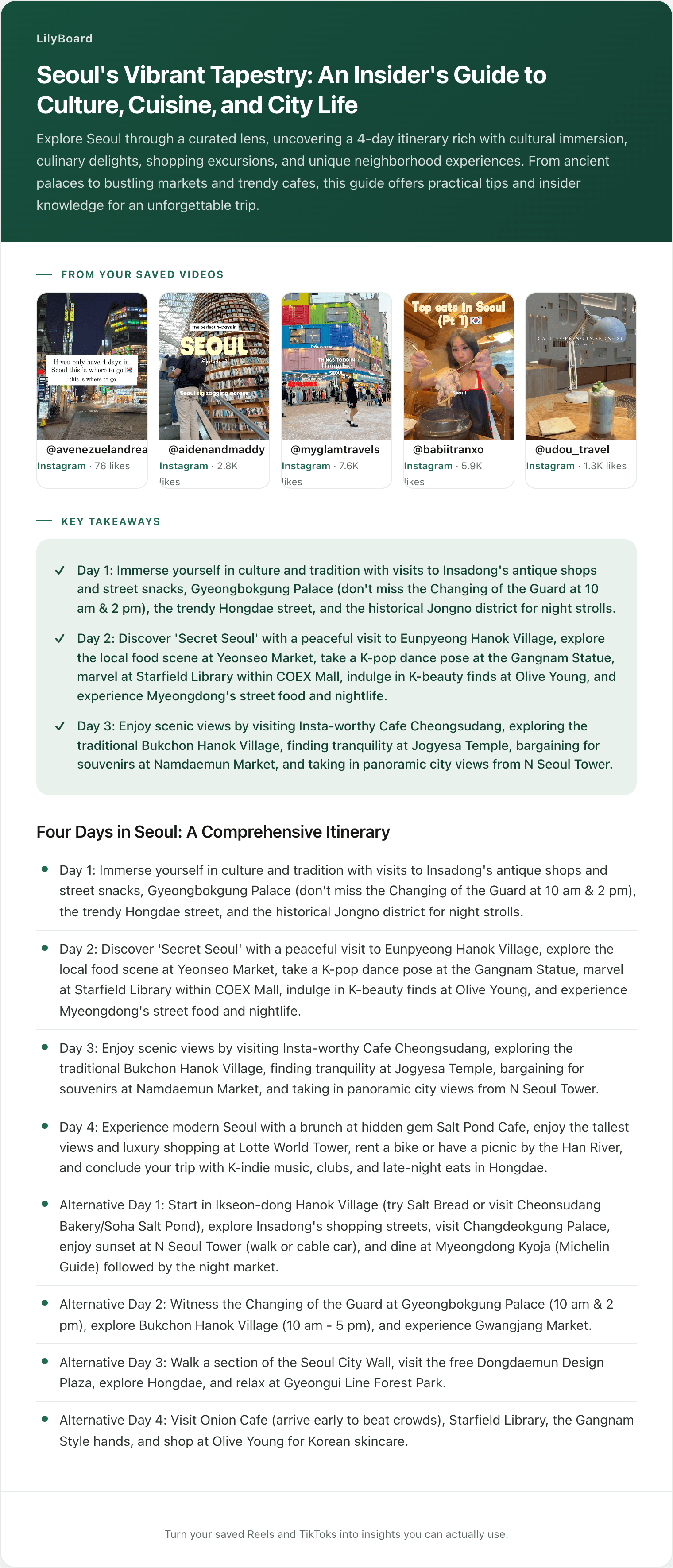
Once you've sent a few recipes, send the word generate, or use the button on your videos page, and they come back as one insight, by email and in the app: ingredients with their amounts, the method, the tips, and the original videos linked. That's where the table and the list above came from.
On the free plan, LilyBoard works from that transcript and the caption, which covers the spoken-recipe problem this post is about. Standard and Pro also read the text on screen.
The honest limits. It reads the videos you send it, not all of TikTok. Its TikTok transcripts come from TikTok's captions, so a word TikTok misheard stays misheard, and every insight links back to the original videos so you can check. It can't add an amount the creator never gave. And it needs captions to pull from, so a silent video where the whole recipe is on-screen text has nothing to transcribe. That kind needs Standard or Pro, which read the screen.
Start with the one you've rewound the most
Open your saved folder and find the recipe you've paused the most times. Send it to @lilyboardco on TikTok tonight, before the next time you're at the stove trying to remember what went in after the garlic. The free tier covers 10 videos a month, no card.
If more of your saves are Reels, here's how to transcribe Instagram Reels. And the food lovers guide shows the whole setup once it's running.
Try it on your own saved videos
Free for 10 videos/month. No card required. Send any Reel or TikTok to @lilyboardco and get a summary, transcript, and category in minutes.
Start for free