How to Meal Plan From TikTok Recipes (When You've Saved 800 and Cooked None)
You save recipe TikToks all week and still order takeout on Wednesday. Here's a meal planning workflow for TikTok recipes: pick the week, map recipes to nights, scale the servings, and build one grocery list.
It's Wednesday at 6pm. You have 800 recipes saved on TikTok and no idea what's for dinner. You open the fridge, look at it for a while, close it, and order Thai. Again. Three nights this week.
The saved recipes aren't the problem. You have plenty. The problem is the gap between "I saved a recipe" and "I know what I'm cooking Monday through Friday, and I bought the right groceries on Sunday." Saving a video feels like planning a meal. It isn't. It's collecting a thumbnail you'll scroll past next time you're hungry.
This post is about meal planning from TikTok recipes: the workflow that turns a pile of saved videos into this week's actual dinners, including how to map recipes to nights, scale the servings, and build a single grocery list instead of squinting at five different videos at the supermarket.
Why a folder of saved recipes never becomes dinner
You'd think the hard part of cooking is the cooking. For most people it's the deciding and the shopping, and the saved folder makes both worse, not better:
- Saving is not deciding. Tapping bookmark on a 30-second pasta video gives you a vague good feeling and zero structure. Come Wednesday you still have to decide, and now you're deciding from 800 options instead of three.
- The ingredients are trapped in the video. To shop for a recipe you need a clean list with quantities. In a TikTok that list flashes on screen for a second, or the creator rattles it off mid-sizzle. You can't put "the creamy chicken one" on a grocery list.
- There's no week-level view. A meal plan is five nights that work together: a mix of efforts, proteins, and leftovers. The saved folder shows you one video at a time, in the order you tapped save. It can't help you build a week.
A meal plan needs three things the saved folder doesn't give you: a shortlist you actually committed to, the ingredients pulled out as text you can shop from, and a way to balance the week so you're not staring at five pasta nights.
First, get the recipes out of the video
Meal planning only works once the recipes are readable text, not videos you have to re-watch. That's a step in its own right, and we covered it in detail in how to save TikTok recipes for later: the short version is stop hoarding inside TikTok's saved folder and send each recipe somewhere it gets transcribed into an ingredient list and steps.
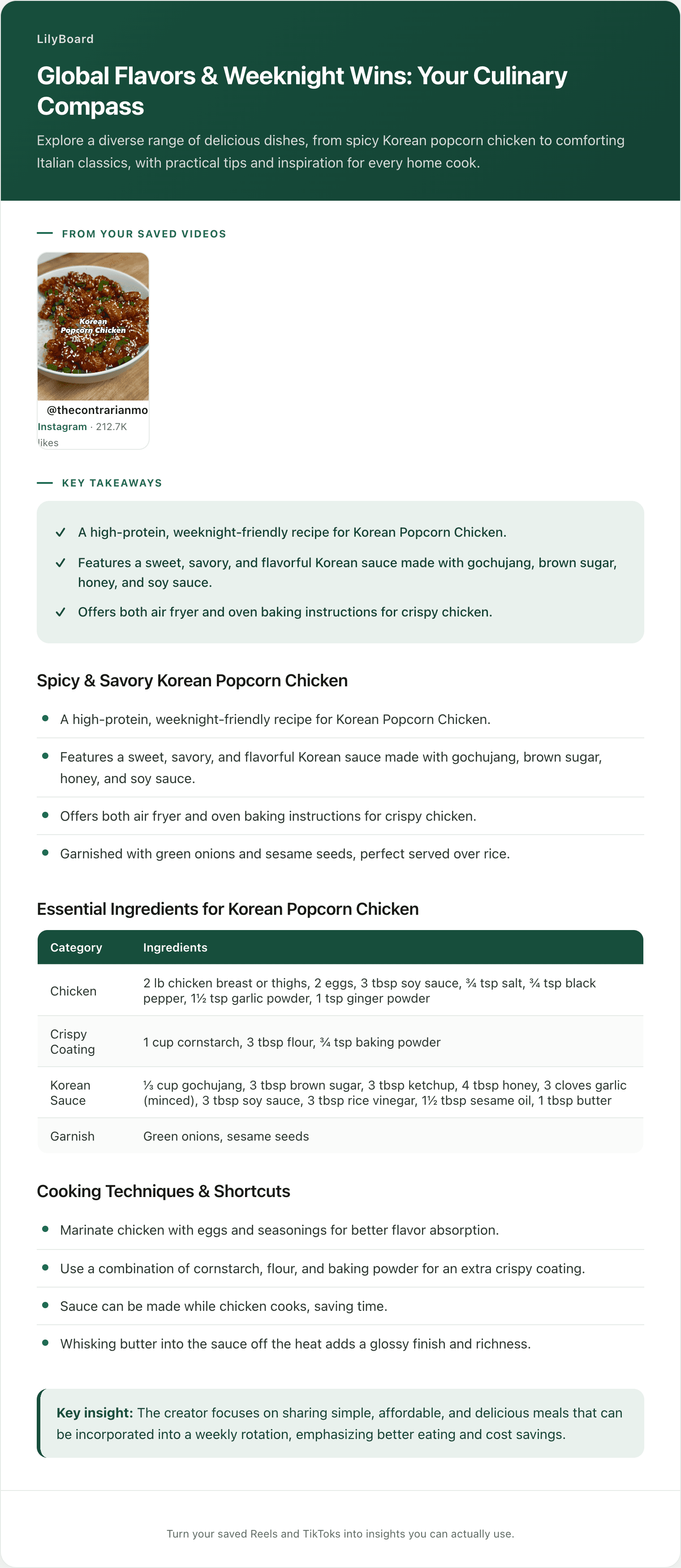
The fastest way is to forward the recipe to a tool that does the extraction for you. LilyBoard does this: you share any recipe Reel or TikTok to @lilyboardco on the app you found it on, Instagram or TikTok, and a few minutes later it lands in your dashboard, filed under a category. Send the word generate and the batch comes back as clean recipes: full ingredient list with quantities, step-by-step method, and the creator's tips and substitutions. No pausing, no screenshotting tiny on-screen text.
Once your recipes are sitting in a searchable archive as text, the actual planning takes about ten minutes a week. Here's the workflow.
The Sunday meal-planning workflow
Block ten minutes on Sunday. Coffee, your archive, the calendar for the week ahead.
1. Pick the week, and balance it
Open your saved recipes and pull a shortlist of three to five for the week. The point of pulling them now is that you commit on Sunday instead of negotiating with yourself at 6pm on Wednesday.
Balance the shortlist as you pick:
- Mix the effort. One weekend project, a couple of 30-minute weeknights, one near-zero-effort fallback. Five ambitious recipes is a plan you'll abandon by Tuesday.
- Mix the proteins and cuisines. Two chicken nights in a row gets boring fast. Rotate.
- Reuse a hero ingredient. If two recipes both want half a bunch of cilantro or a single lime, picking both means nothing wilts in the crisper.
A searchable, categorized archive makes this the easy part. Search "weeknight" or "30-minute," skim the shortlist, done. That's the whole reason to get recipes out of the chronological saved folder in the first place.
2. Map recipes to nights
Now match each recipe to a night based on how much time you'll actually have. Look at your real calendar, not your aspirational one. The recipe with 14 steps and a homemade sauce goes on the night you're home by 5. The 15-minute one goes on the night you have a thing after work. The fallback goes on the night you know you'll be wiped.
This single step is what kills the Wednesday-takeout reflex. When 6pm arrives and the decision is already made and the groceries are already in the fridge, you cook.
3. Scale the servings
TikTok recipes are almost always written for one or two people, often the creator and a roommate. If you're cooking for a family of four, or you want Thursday's leftovers to be Friday's lunch, you need to scale.
This is trivial when the quantities are clean text and miserable when they're locked in a video. With the ingredient list extracted, you just double the numbers as you go. Note the doubled amounts straight onto your plan so you don't have to redo the math in the grocery aisle.
4. Build one grocery list, not five
Here's the step that's genuinely painful by hand and the reason most people quit meal planning: combining the ingredients from every recipe into a single shopping list.
Done the old way, you're opening five videos at the supermarket, pausing each one, and re-deriving what you need item by item. Done with the recipes as text, you copy each ingredient list into one place and merge:
- Deduplicate. Three recipes call for olive oil and garlic. You buy each once, not three times.
- Combine quantities. Two recipes want onions: one needs one, the other needs two. Your list says three onions, on one line.
- Check the pantry first. Cross off what you already have. The salt, the olive oil, the spices you bought last month.
What's left is a clean, deduplicated list you shop once. One trip, no video-pausing in aisle six.
5. Cook, note, and build the rotation
After you cook each one, leave a one-line note on the recipe: "great, halve the garlic," "too salty," "the kids actually ate it." Mark the keepers.
After a month, your archive stops being a graveyard of 800 untried videos and becomes a short, trusted rotation of dinners you've tested, with notes from your own kitchen. Planning next week gets faster every week, because you're choosing from things you know work.
What this looks like in practice
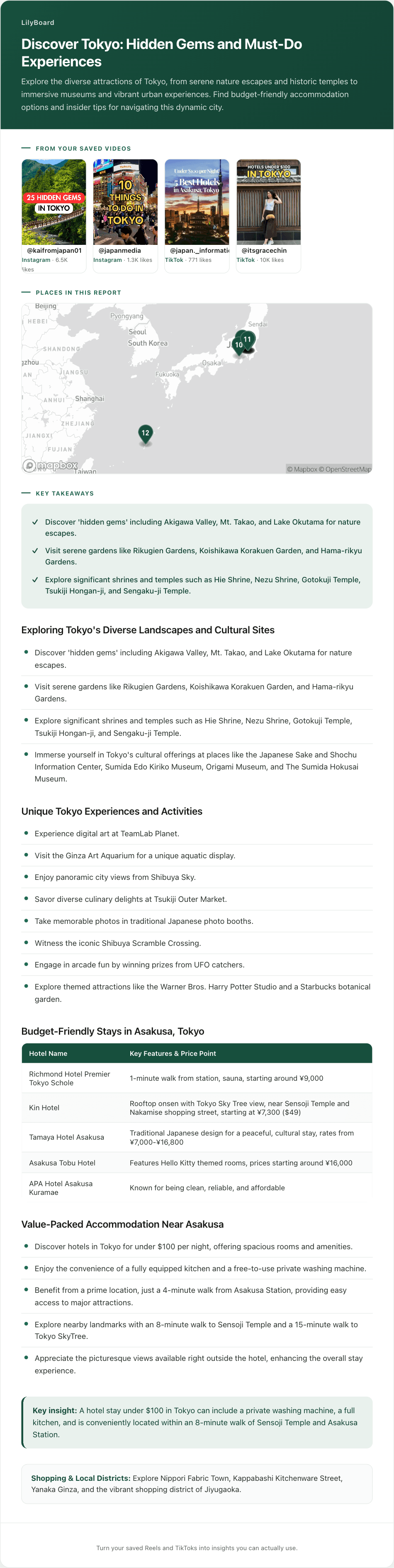
Here's a batch of saved cooking TikToks pulled into one place, the raw material a whole week of dinners is built from.
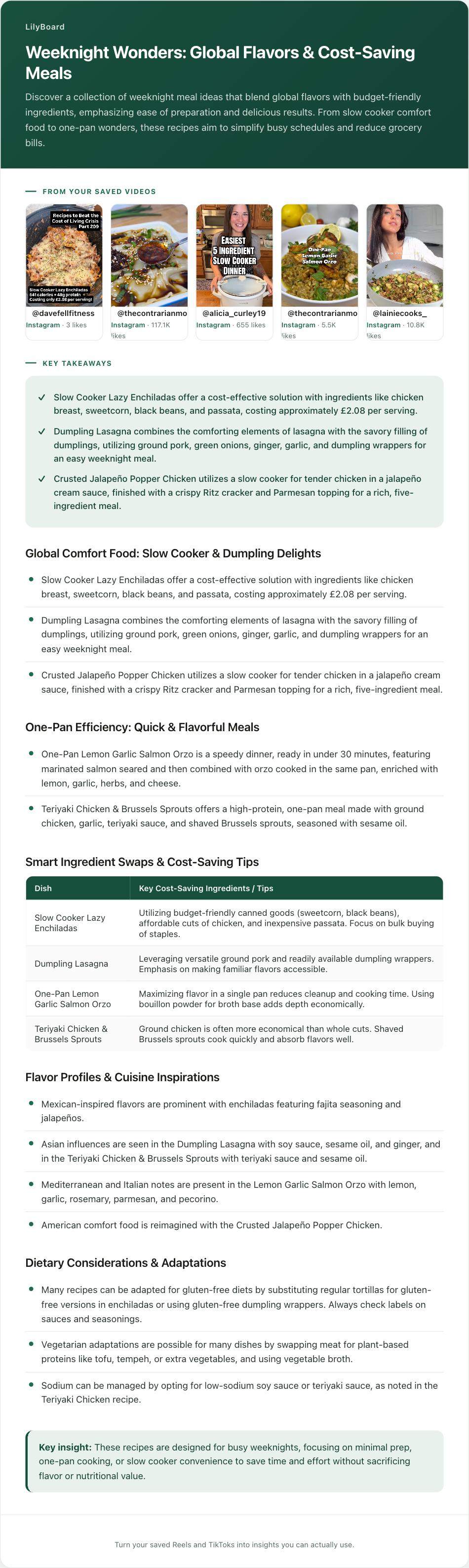
None of these videos ran longer than a minute. Pulled into text, each one becomes a dinner you can plan around: slow-cooker enchiladas at about £2.08 a serving, one-pan salmon orzo, teriyaki chicken and Brussels sprouts, each with its ingredients, a cost per serving, and gluten-free or vegetarian swaps. That's five nights handled: pick the ones you want, and their ingredients flow straight onto one grocery list. A real plan instead of a folder.
A few tips once you start
- Plan in one sitting, not all week. Decision-making is the tax. Pay it once on Sunday with all your recipes in front of you, rather than re-deciding every single evening.
- Keep a three-recipe "fast night" shortlist. Tag your genuinely 15-minute, pantry-friendly recipes. When the plan falls apart (it will), you cook one of these instead of ordering out.
- Shop your pantry before you shop the store. Half of meal-plan overspending is re-buying staples you forgot you had. Check the cupboard against your list first.
- Keep the source link. When you're mid-recipe and unsure whether the courgettes are sliced or diced, the original 42-second clip answers it faster than any written step.
TL;DR
Saving recipe TikToks is not meal planning. To actually cook what you save, you need a shortlist you commit to, the ingredients pulled out as text you can shop from, and a week balanced across efforts and nights.
The workflow: get each recipe out of the video as text, then once a week pick three to five, map them to nights by how much time you'll really have, scale the servings, and merge everything into one deduplicated grocery list. Ten minutes on Sunday beats the 6pm Wednesday stare into the fridge.
The fastest way to get the recipes out as text is to forward them to a tool that does it for you. Try LilyBoard free (10 recipes/month, no card). DM any recipe Reel or TikTok to @lilyboardco on Instagram or TikTok and get the ingredients, steps, and tips as searchable text in minutes.
Your saved folder becomes a meal plan. Wednesday takeout becomes Wednesday dinner.
Try it on your own saved videos
Free for 10 videos/month. No card required. Send any Reel or TikTok to @lilyboardco and get a summary, transcript, and category in minutes.
Start for free